Muse Video AI Video Generator
Muse Video AI Video Generator turns prompts, images, and motion ideas into short cinematic videos with duration, aspect ratio, resolution, and optional audio controls.
Muse Video AI Video Generator Gallery
Explore Muse Video AI Video Generator directions for product ads, cinematic scenes, creator shorts, image animation, pitch clips, and social hooks.
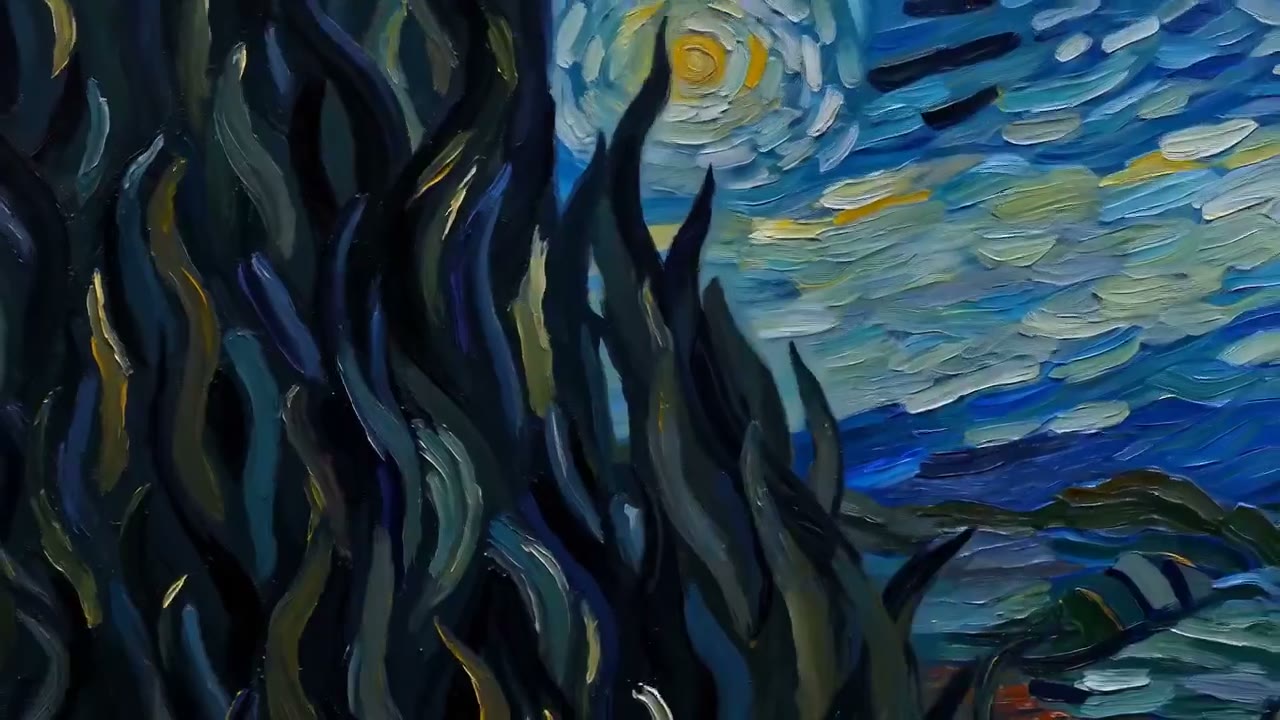
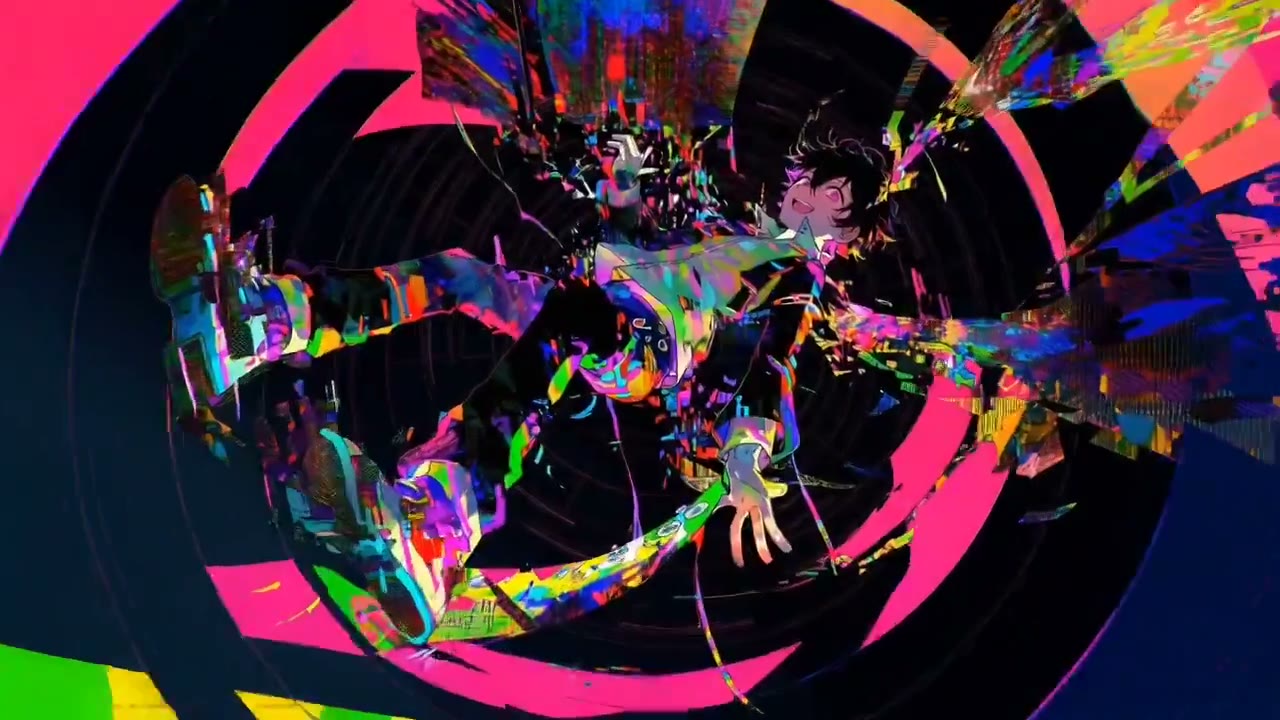
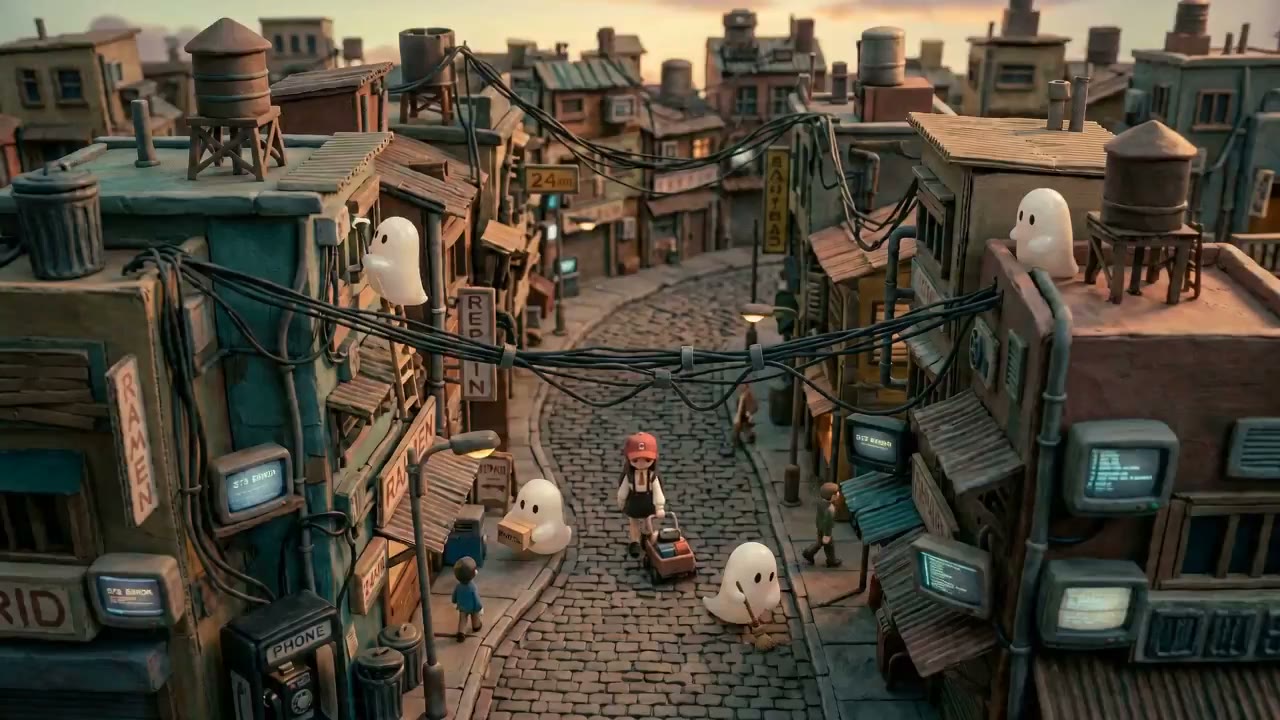
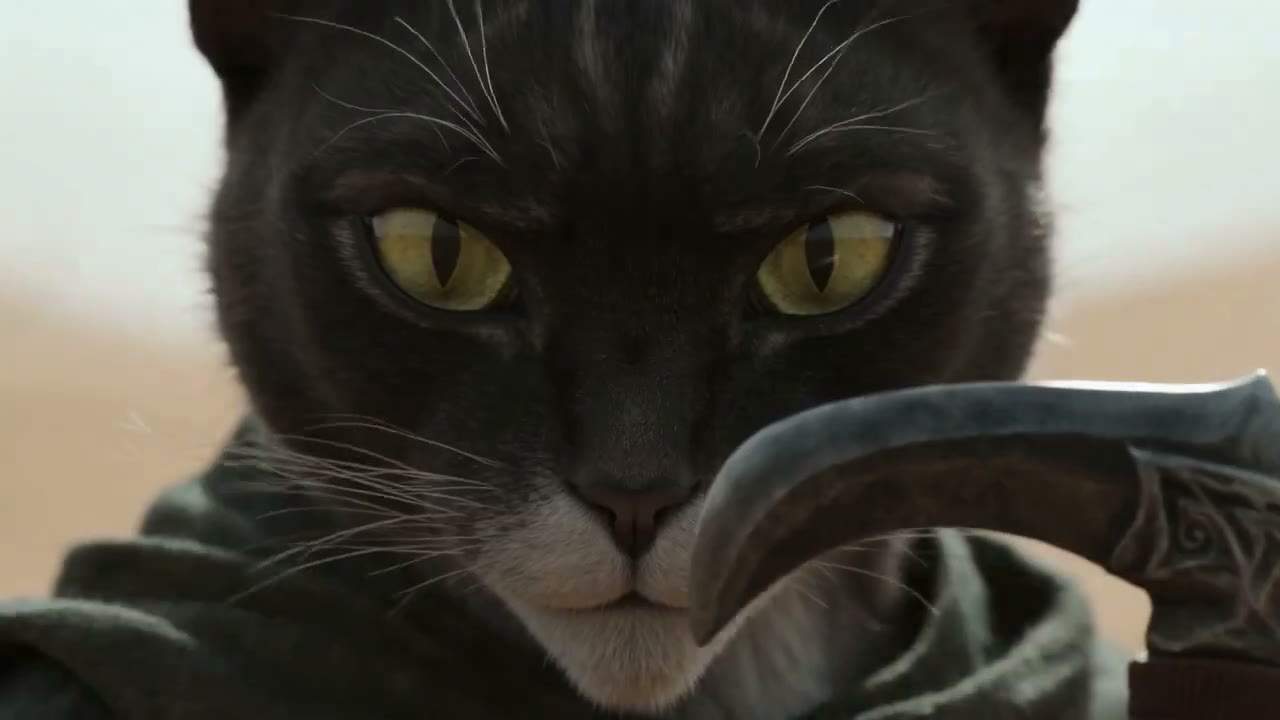
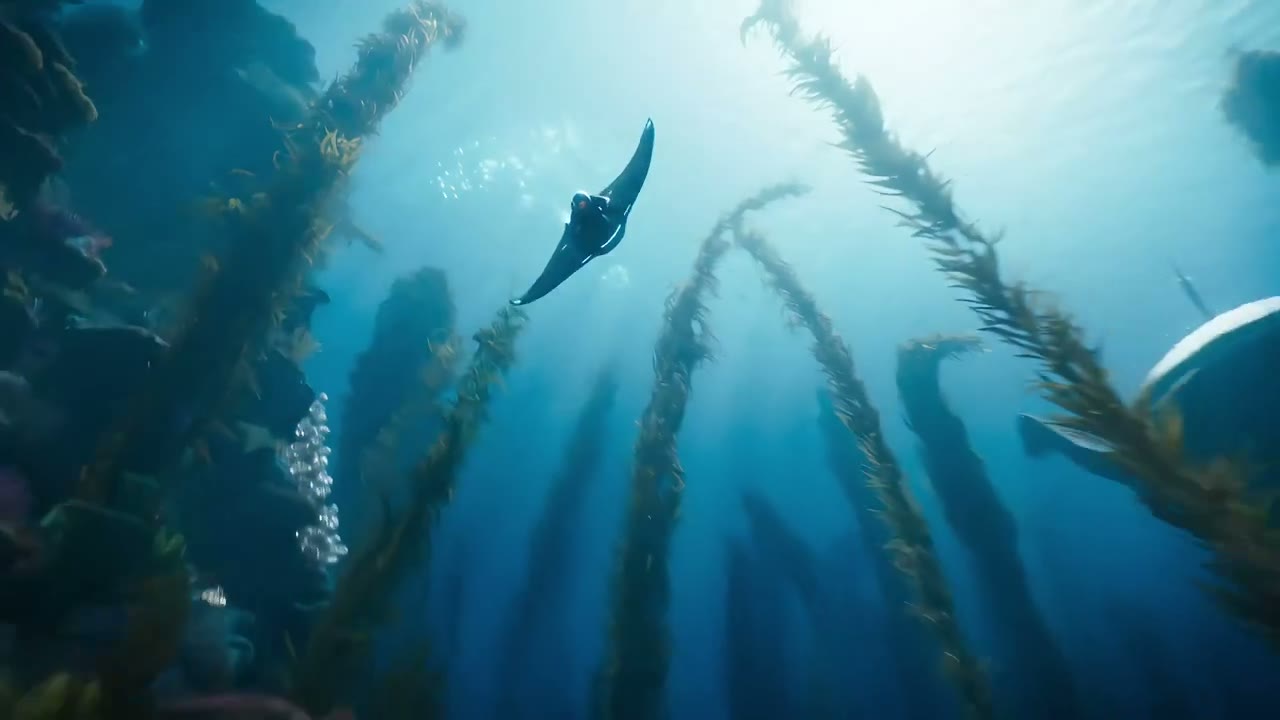
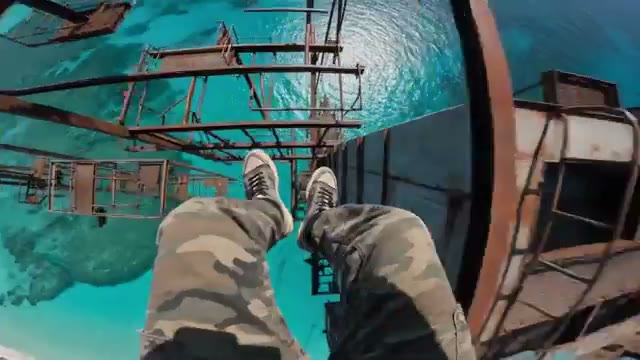
What Makes Muse Video AI Video Generator Useful
Muse Video AI Video Generator is a browser-based AI video generator for prompt-to-video and image-to-video workflows, with practical controls for short clips.
Prompt to Video Scenes
Muse Video AI Video Generator turns written scene direction into short AI videos with duration, aspect ratio, and resolution controls for ads, social hooks, and demos.
Image to Video Animation
Upload a reference image and Muse Video AI Video Generator can animate the subject with controlled motion, moving product stills toward usable clips.
Sound When Models Support It
Some video presets expose optional audio, so teams can test short videos with sound while no-audio models remain clearly labeled.
Multi-Model Video Routing
Muse Video AI Video Generator includes text-to-video, image-to-video, and motion-control presets routed through configured providers for fast drafts and controlled clips.
Muse Video AI Video Generator Use Cases
Marketing Video Variants
Marketers use Muse Video AI Video Generator to turn campaign prompts into multiple short video angles for paid social, landing pages, launch teasers, and offer tests.
Product Image Animation
Ecommerce teams can animate product stills with Muse Video AI Video Generator, adding camera motion, atmosphere, and context without reshooting every SKU.
Creator Shorts
Social creators use Muse Video AI Video Generator prompts to draft vertical clips, thumbnails-in-motion, hooks, and scroll-ready visual ideas.
How to Use Muse Video AI Video Generator
Create a Muse Video AI Video Generator clip in three steps: write a prompt, choose video settings, then generate and download the result.
Describe the Video
Write a Muse Video AI Video Generator prompt with the subject, action, camera movement, setting, mood, and style; upload an image when you want image-to-video animation.
Choose Video Settings
Select the generator workflow, duration, aspect ratio, resolution, and audio option supported by the current preset.
Generate and Download
Click Generate, review the Muse Video AI Video Generator result, then download the finished clip for social, ads, product pages, or creative review.
What Creators Say About Muse Video AI Video Generator
Twelve creators describe how Muse Video AI Video Generator helps them plan, test, and produce short AI video ideas faster.
Ava Chen
Growth Producer
“Muse Video AI Video Generator helps us turn campaign lines into motion concepts before we book production time.”
Marcus Lee
Ecommerce Lead
“We use Muse Video AI Video Generator to animate product images into quick launch clips for ads and PDP tests.”
Priya Raman
Social Creator
“The Muse Video AI Video Generator is useful when I need a cinematic hook from a single prompt.”
Noah Brooks
Creative Director
“Muse Video AI Video Generator gives our team a fast way to compare camera direction, mood, and pacing.”
Elena Ortiz
Brand Designer
“I like using Muse Video AI Video Generator for storyboards because the settings make short clip experiments repeatable.”
Sam Taylor
Indie Maker
“Muse Video AI Video Generator turns static screenshots and product shots into more convincing motion demos.”
Mina Park
Content Strategist
“The text to video flow is simple enough for daily social drafts and quick audience tests.”
Owen Miller
Video Editor
“Muse Video AI Video Generator is a practical previsualization tool when we need options before editing begins.”
Iris Wong
Startup Founder
“Our landing page experiments get better when we can test video ideas, not just static images.”
Daniel Reed
Performance Marketer
“Muse Video AI Video Generator helps us produce several ad directions quickly while keeping each brief easy to revise.”
Lina Novak
Motion Designer
“I use the image to video workflow to add motion language to still concept frames.”
Theo Grant
Agency Producer
“Muse Video AI Video Generator gives clients something moving to react to early, which speeds up creative approval.”
Muse Video AI Video Generator FAQ
Muse Video AI Video Generator is a browser-based AI video generator for creating short clips from text prompts or reference images, with controls for duration, aspect ratio, resolution, and supported audio options.
No. Muse Video AI Video Generator is an independent generator site. Meta announced Muse Image and previewed Muse Video, but this site does not claim to be Meta, Instagram, or an official Meta Muse Video release.
The generator supports text-to-video, image-to-video, and motion-control style workflows exposed by the current project presets, making it useful for ads, social clips, product demos, and storyboard tests.
Yes. Use image-to-video when you want Muse Video AI Video Generator to animate a reference image, product shot, portrait, poster, or concept frame into a short motion result.
Some configured video presets include optional audio and some do not. The homepage only promises audio when the selected model route supports it.
Muse Video AI Video Generator focuses on moving clips rather than static images, combining prompt direction, reference images, duration controls, aspect ratios, and video-specific provider routes.
Start Creating with Muse Video AI Video Generator
Try Muse Video AI Video Generator to turn prompts and reference images into short video drafts for ads, social posts, product stories, and creative reviews.
Join creators testing practical AI video generation workflows.